Every tool in StockRoom
Eleven tools, one screen each, in the order stock moves through a building. Each has a page of its own showing the screen and what is on it.
Nothing on this list is a module you turn on separately or a tier you pay more to unlock: every account gets all eleven, from the first product you add. The order below is the order stock actually moves through a real building, from counting what is on the shelf to deciding what to buy next.
The four groupings below are not a menu of optional extras - they are the four questions a stock room keeps asking, in the order a Tuesday morning actually asks them: what have we got, is that figure still true, where did it go, and what happens next. Pick the group that matches the question in front of you rather than reading the whole list top to bottom.
See what you have
Where it is, what there is, and what it is worth. The three questions a phone call about stock always turns into, answered from the same screens whether you are behind the counter or in the car park.
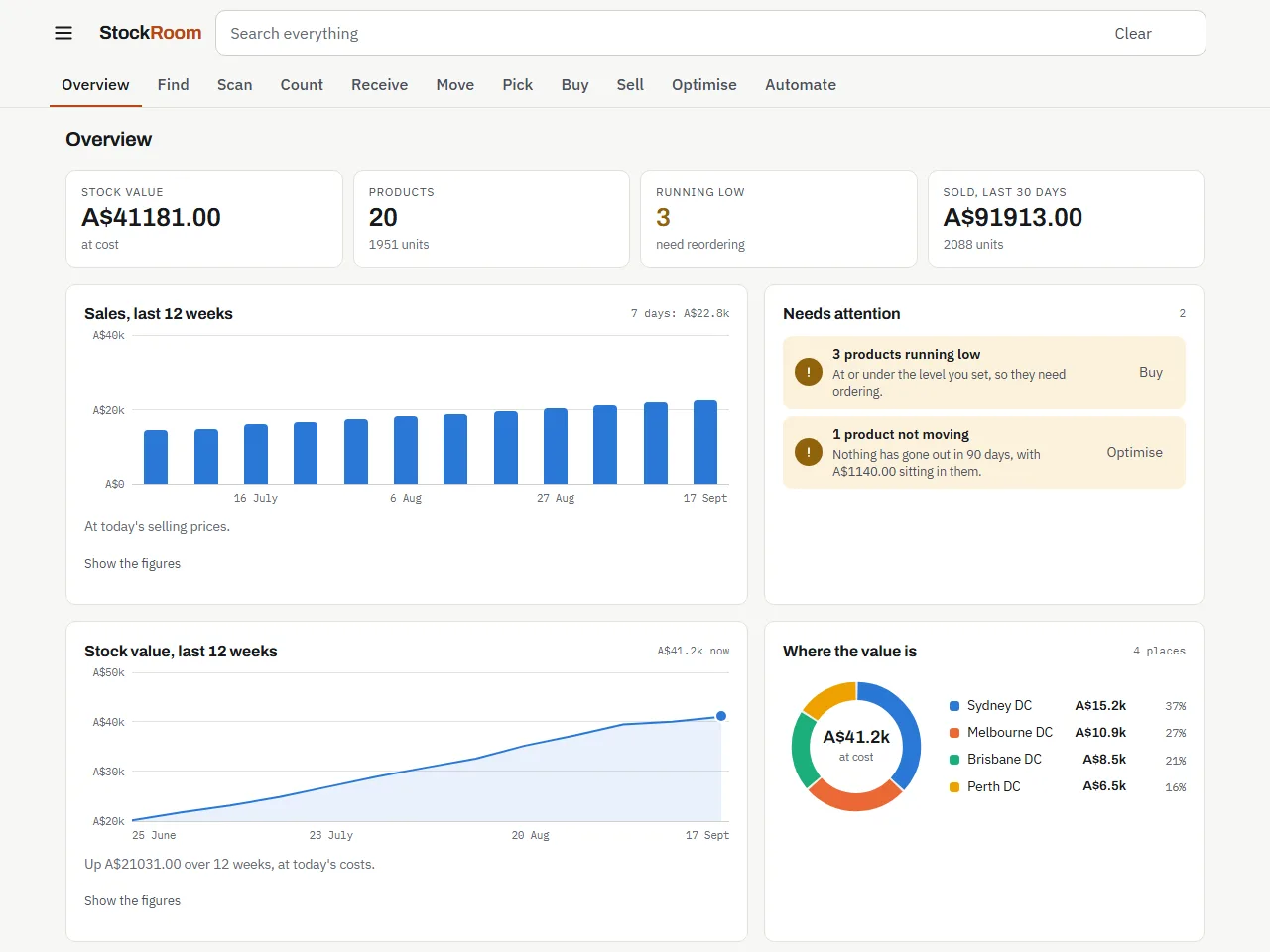
Overview
The whole business on one screen: stats, graphs and alerts.
For the owner who wants to know how the business is doing before opening anything else.
Open Overview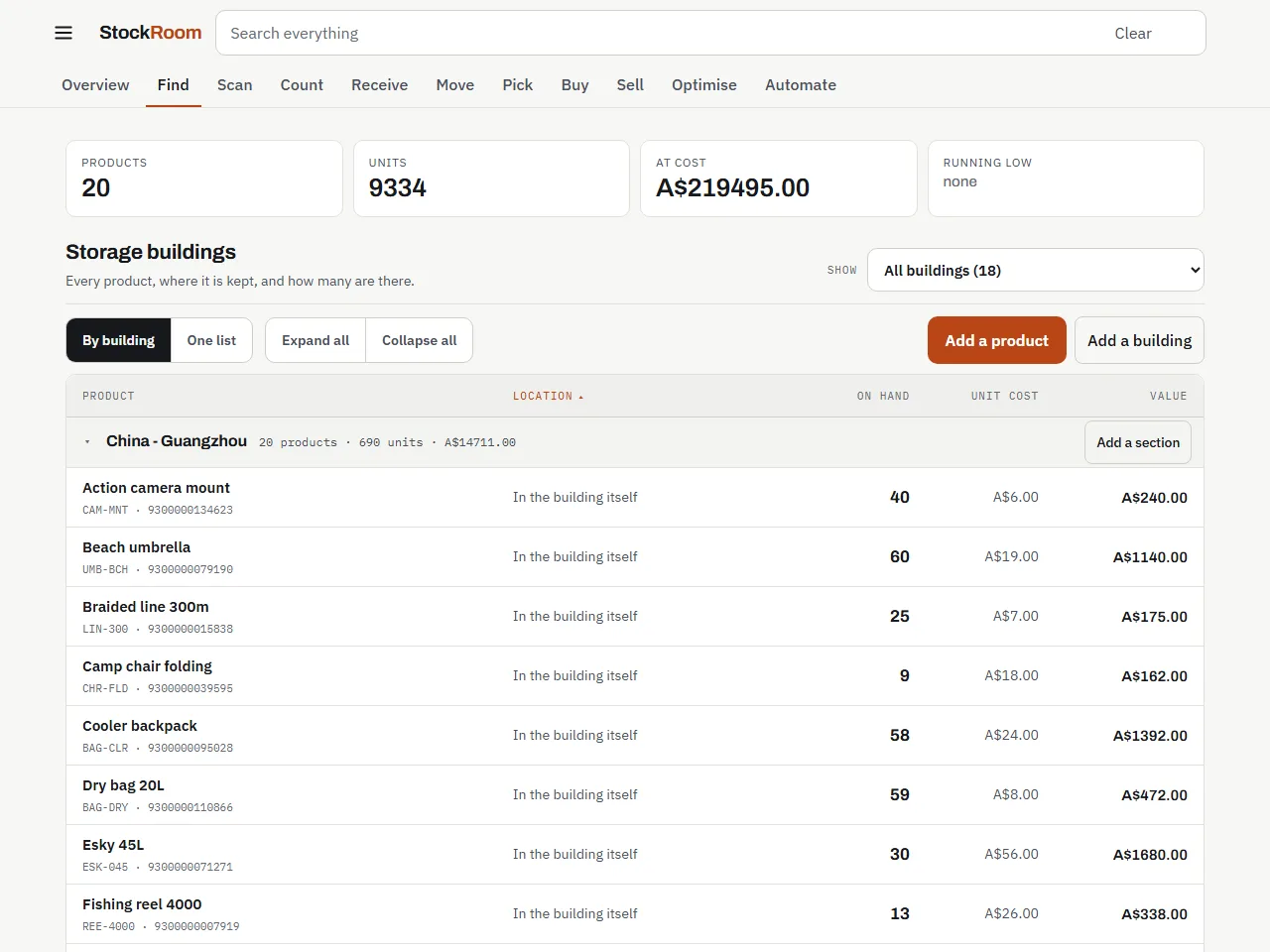
Find
Where everything is, and what you have got.
For whoever answers the phone and has to say whether something is in stock, and where.
Open Find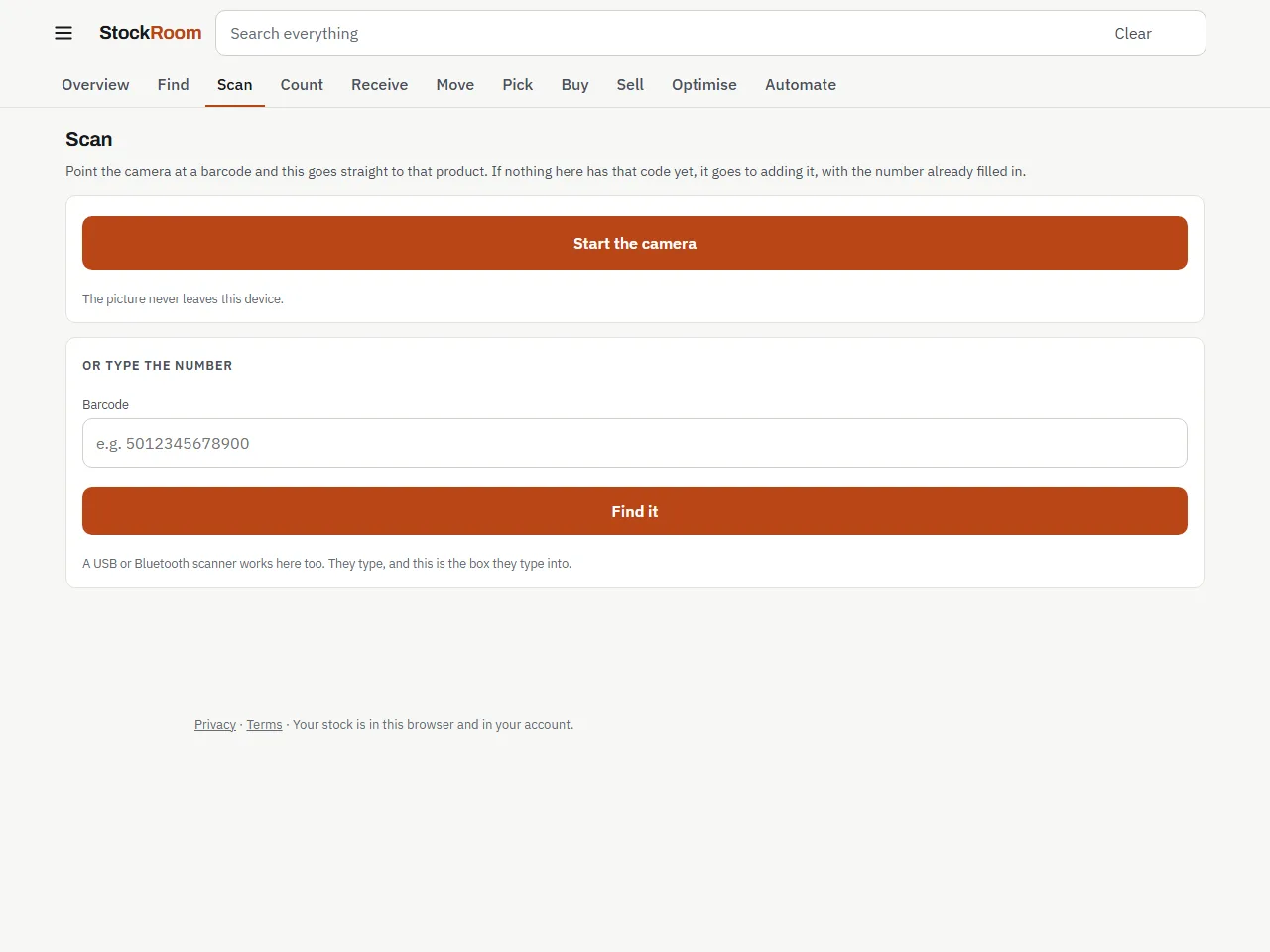
Scan
Point the camera at a barcode.
For a goods-in bench or a shop floor where products already carry barcodes.
Open ScanKeep the number true
Every change recorded with who made it, when and why. Nothing is ever typed over. This is the group that decides whether the figures on Overview are worth trusting six months from now.
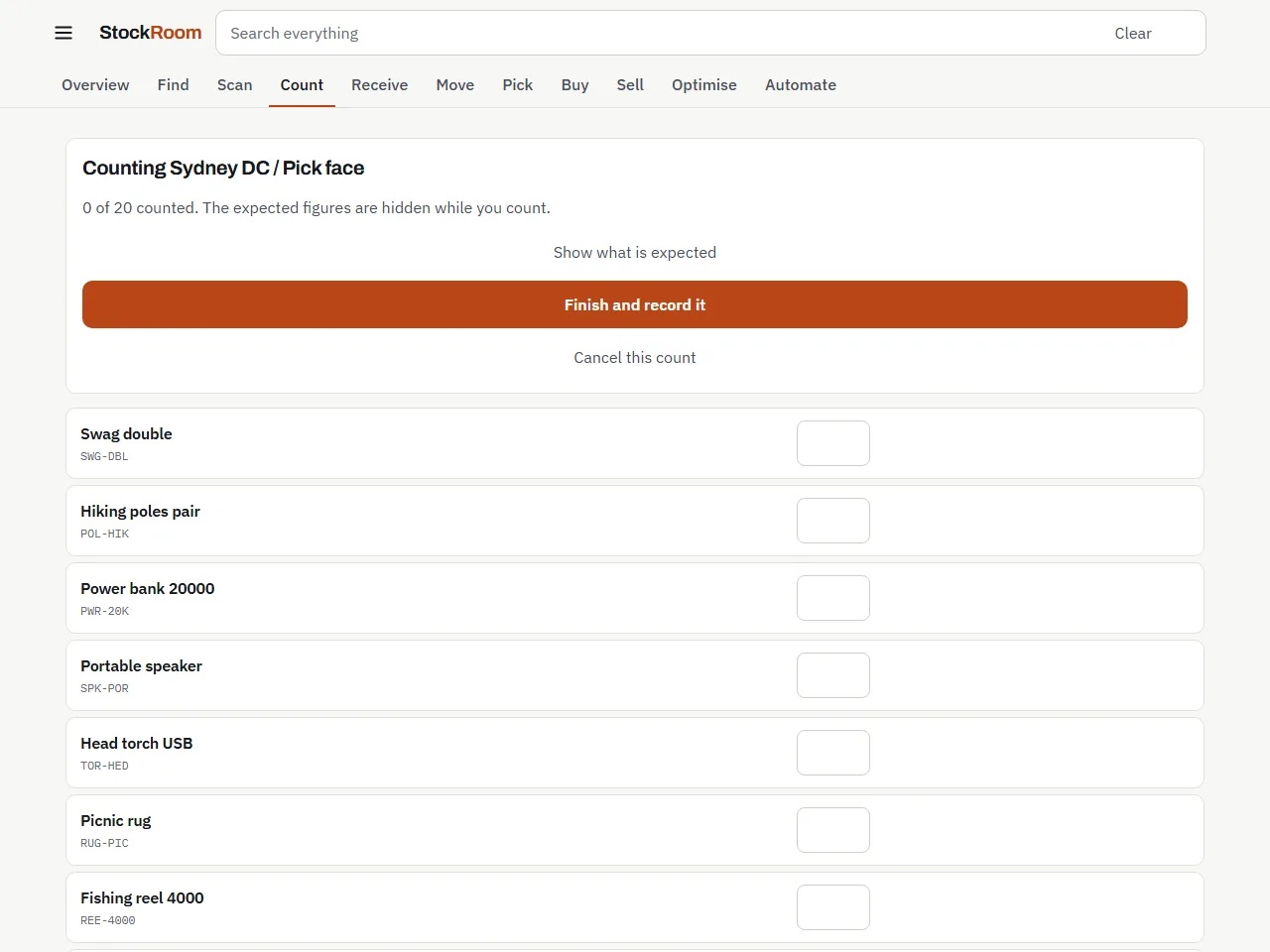
Count
Count a shelf and record what you actually find.
For a full stocktake or a spot check of one shelf, by one person or several on their own phones.
Open Count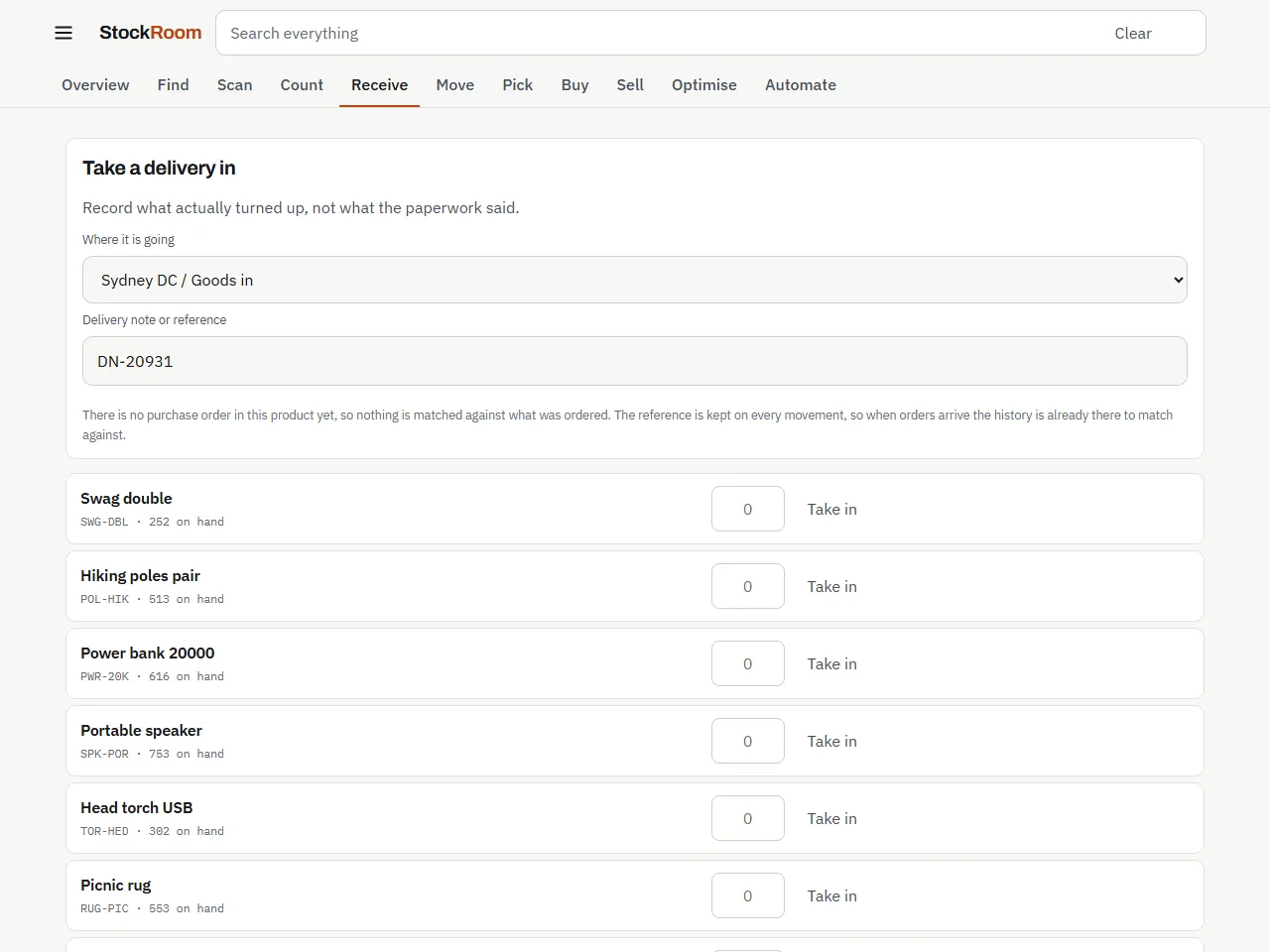
Receive
Take a delivery in and record what actually turned up.
For whoever unpacks deliveries and needs a record when the boxes do not match the paperwork.
Open Receive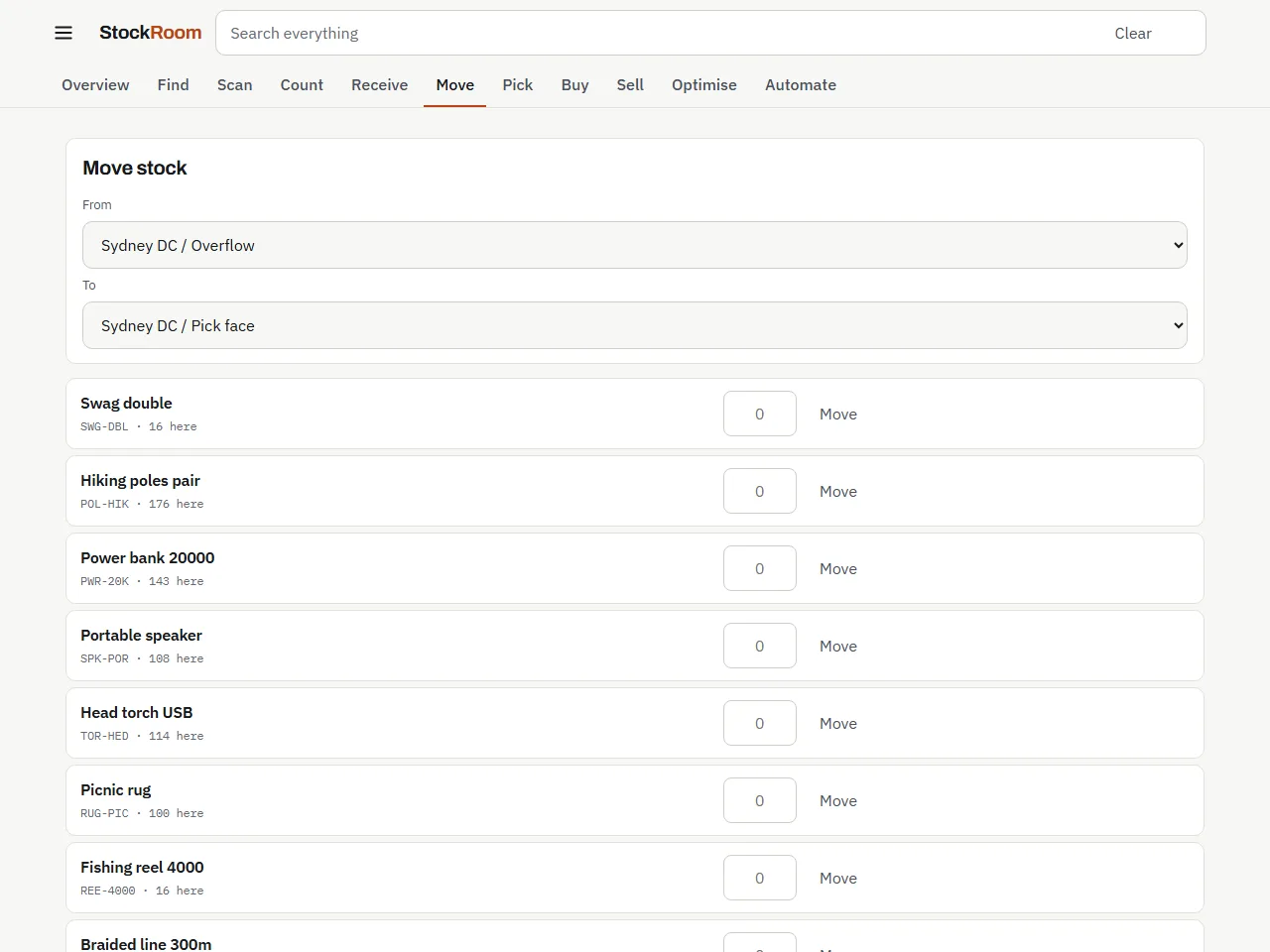
Move
Move stock from one place to another, and know it arrived.
For a business that refills a front shelf from a back room, or moves stock between buildings or vans.
Open MoveGet it out the door
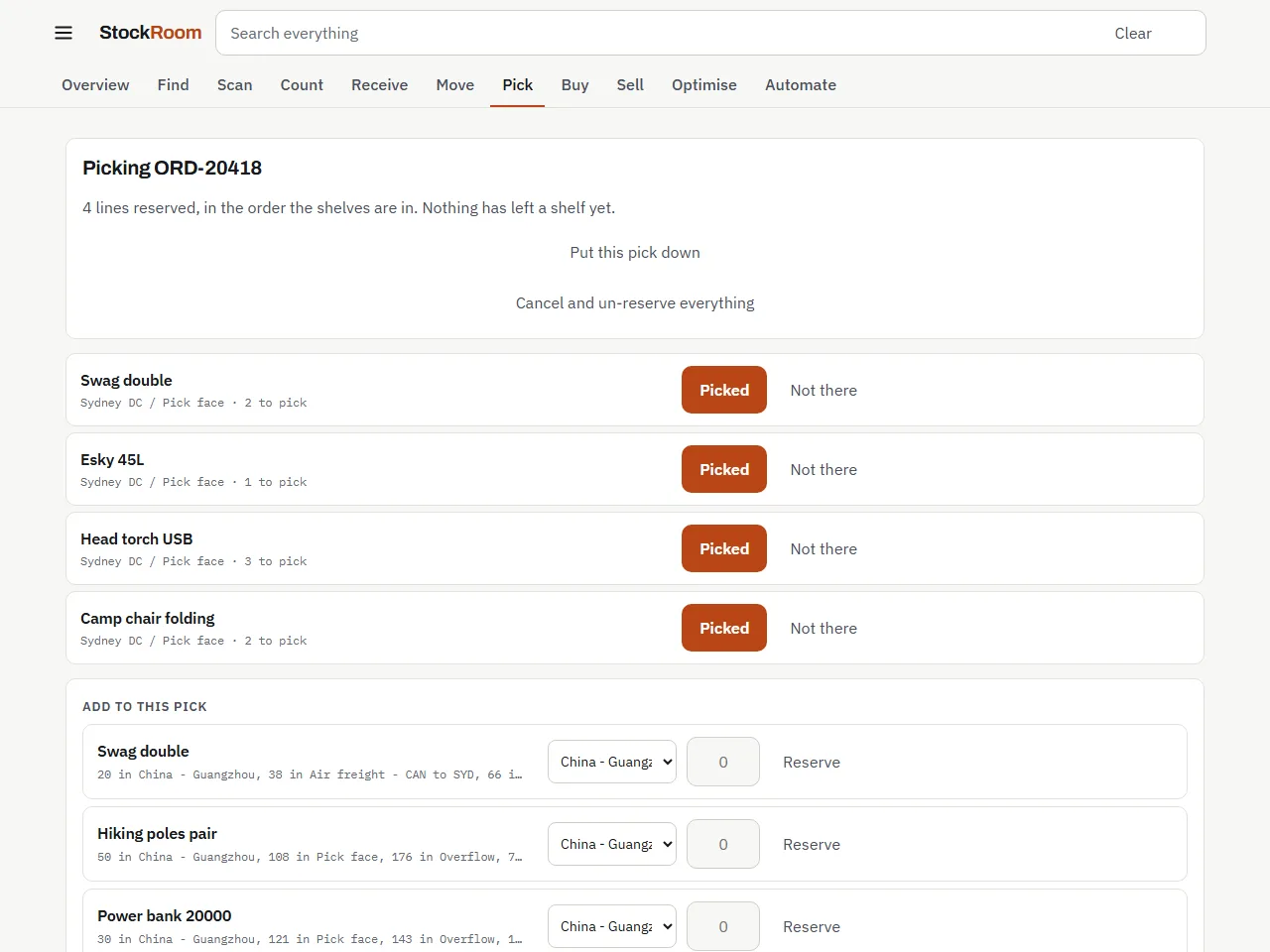
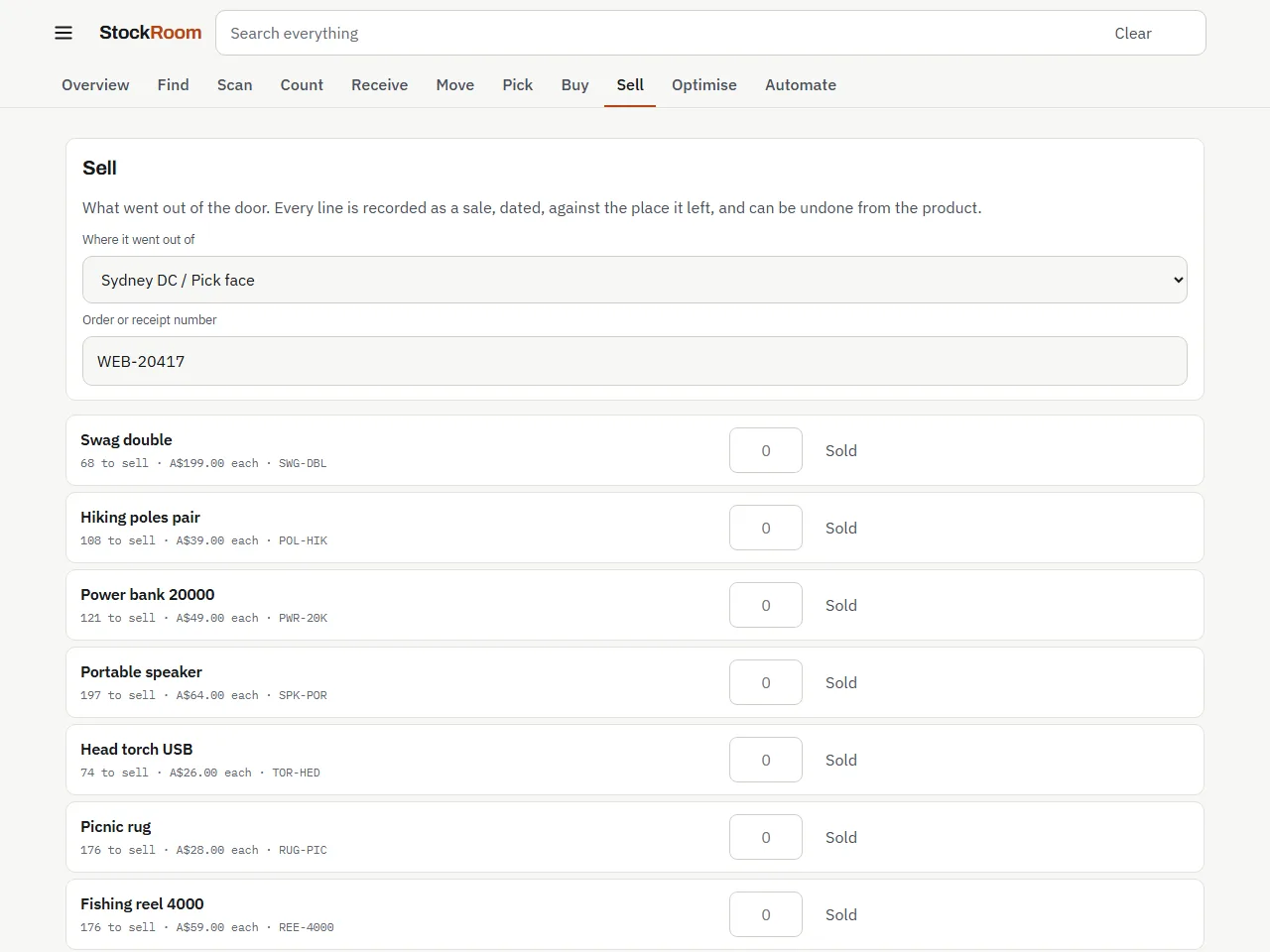
The two ways stock leaves, without the same box being promised twice. A shelf and a website checkout both draw from the same number, so nothing sells twice by accident.
Decide what to do next
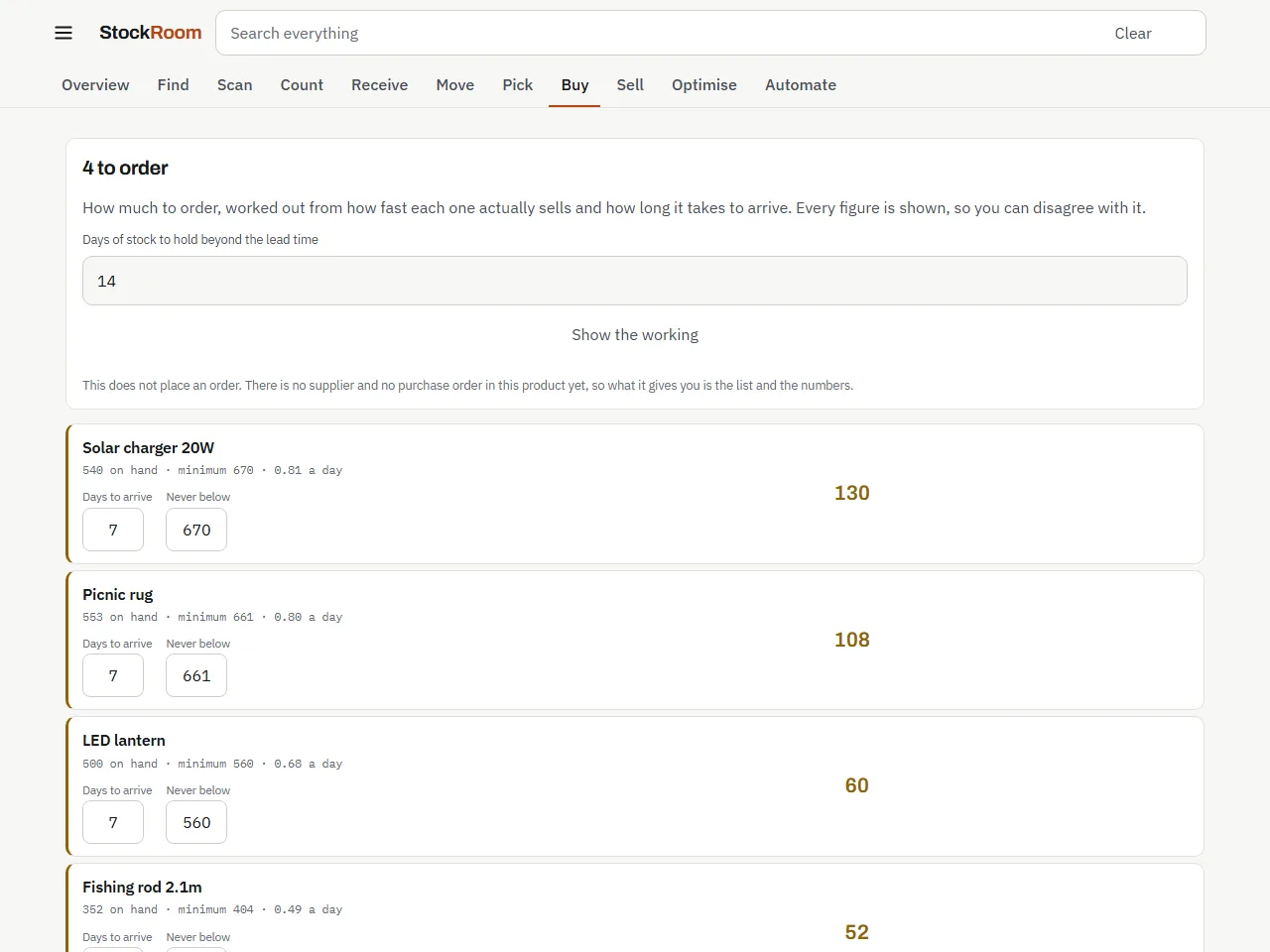
Worked out from movements already recorded, with the working on the screen. Nothing here asks you to type in a forecast: every figure comes from stock that actually moved.
Buy
What is running out, and how much to order.
For whoever orders from suppliers and wants a quantity to order, not just a warning.
Open Buy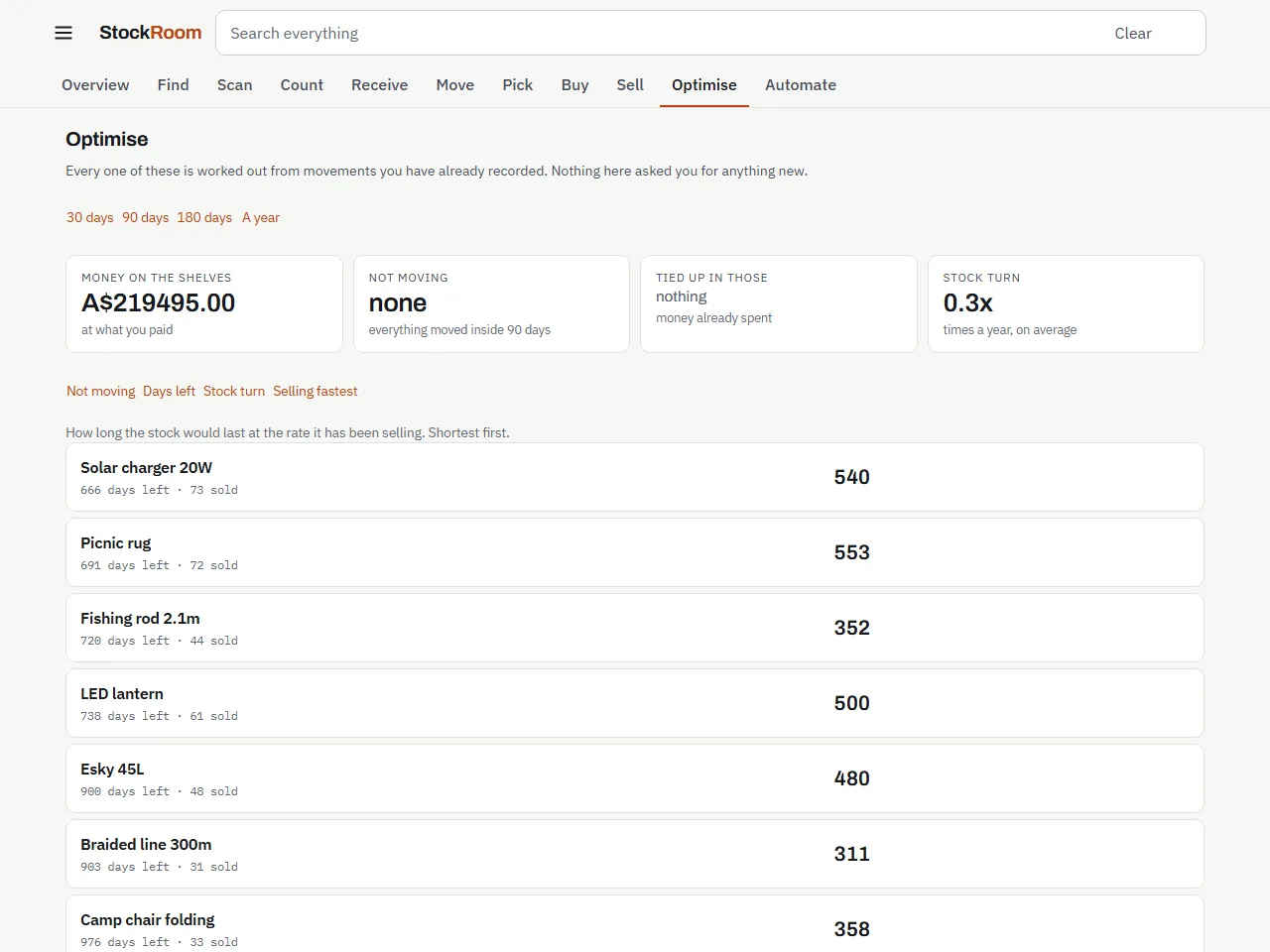
Optimise
What is not moving, and what it costs.
For an owner who suspects money is sitting on the shelves in stock that is not selling.
Open Optimise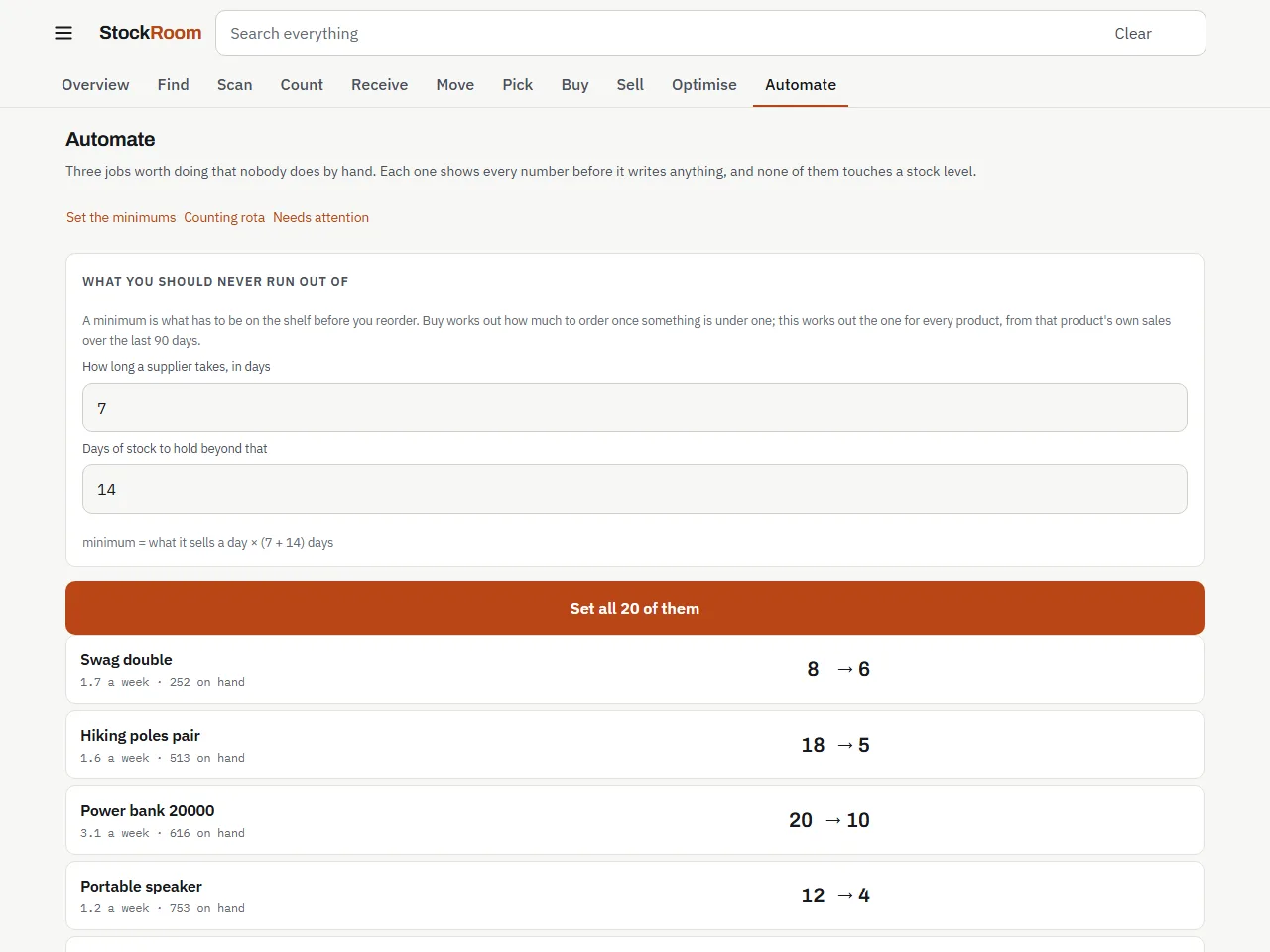
Automate
The jobs the app should do instead of you.
For a business with too many products to work out minimums and reorder levels by hand.
Open AutomateFree tools, no account needed
These work in the browser without signing up, and none of them needs a StockRoom account.
- Free stock countFor a stocktake before 30 June, or any count against a list: see what is missing and what the difference is worth.
- Stock count sheetFor counting on paper: a printable sheet that hides the expected quantity, so nobody copies it down as the count.
- Barcode generatorFor loose goods, own-made items and plain boxes with no barcode, so they can be scanned like everything else.
- Bin location label makerFor racking and shelves: a scannable label for every zone, aisle, bay, shelf and bin, and the same locations ready for StockRoom.
- Reorder point calculatorFor deciding when to reorder one product, with safety stock for late deliveries and busy weeks.
- Margin and markup calculatorFor setting a price: the profit on each unit, and the price that gives the margin you want.
- Stock value and turnover calculatorFor knowing what your stock is worth at cost, and how long cash sits on the shelf before it sells.
- eBay and Amazon fee calculatorFor marketplace sellers in Australia: what you keep from a sale after fees, postage, packaging and GST.
Try them on your own stock
Free up to 50 products, then A$9 a month. No card to start.