Simple Inventory Management for Small Business
Track stock, scan barcodes and know what to reorder. From your phone or your computer.
StockRoom is free for up to 50 products, with no card required to start, then A$9 a month.

Stock management for small businesses
-
Count from your phone
Scan barcodes with the camera you already have.
-
Know what to reorder
Worked out from how fast each product sells.
-
See what it is worth
Real stock value and margin, not guesses.
What is inventory management?
Inventory management is the process of knowing what stock a business has, how much of it, where it is kept, what is moving and when more needs to be ordered.
Done on paper or in a spreadsheet it works for a while and then starts to slip: a count nobody updated, a product with two different prices typed in two places, a shelf nobody can find the number for.
Software does not replace the counting and the deciding - it keeps the record straight while you do them, so the number on the screen is the number on the shelf, and everyone looking at it is looking at the same figure.
Built for small businesses
-
Retailers
One shop or a few, counting stock on the floor and in the back room.
-
Online and marketplace sellers
Selling through your own site, eBay, Amazon or Etsy, where knowing what is actually left matters before somebody else finds out for you.
-
Small warehouses and multi-site stock
More than one place stock is kept, where a shared, correct number matters more than it does with just one shelf.
Learn more
-
Inventory management software
What it actually does, what to look for before you pick one, and how StockRoom does it.
-
Inventory reordering
How reorder points work, and how to manage them once you have more than a handful of products.
-
Inventory optimisation
Finding stock that has stopped moving, and what it is actually costing you.
-
Barcode inventory management
Scanning with a phone camera, and getting barcodes for products that do not have one.
The tools you will use most.
From finding stock to selling it.


Free tools, no account needed.
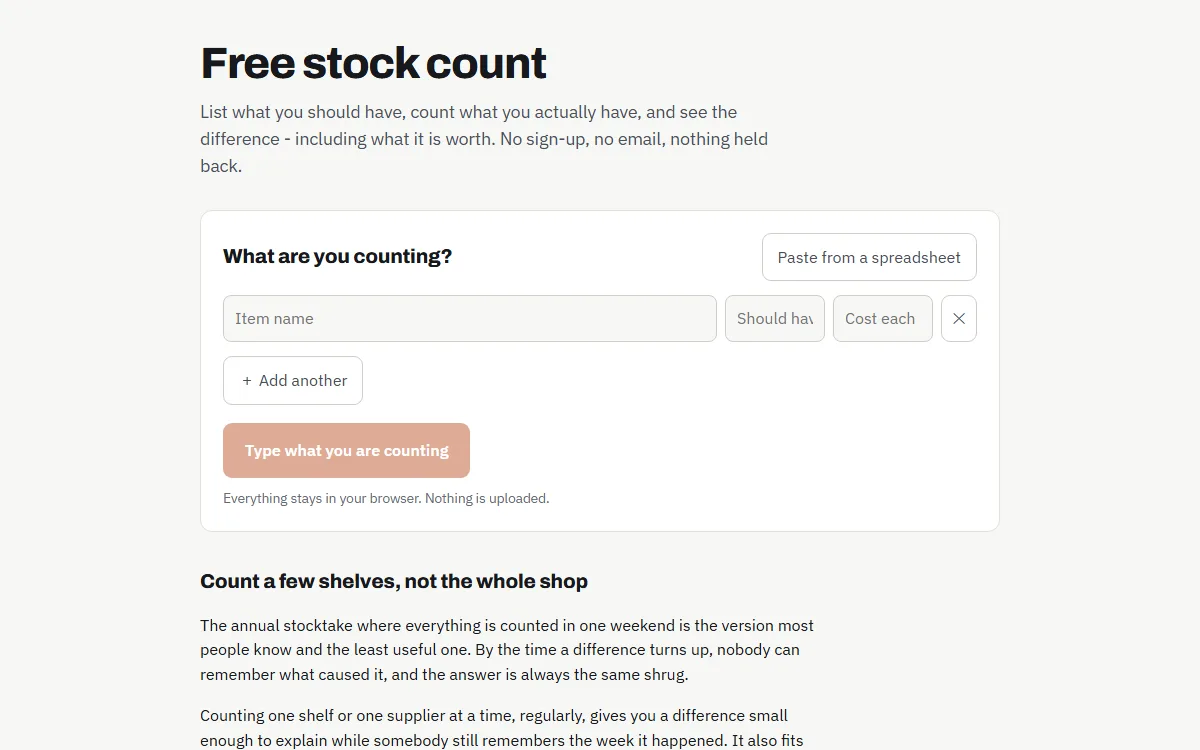
Free stock count
Count what you have against what you should have, and see what the difference is worth.
Open the stock count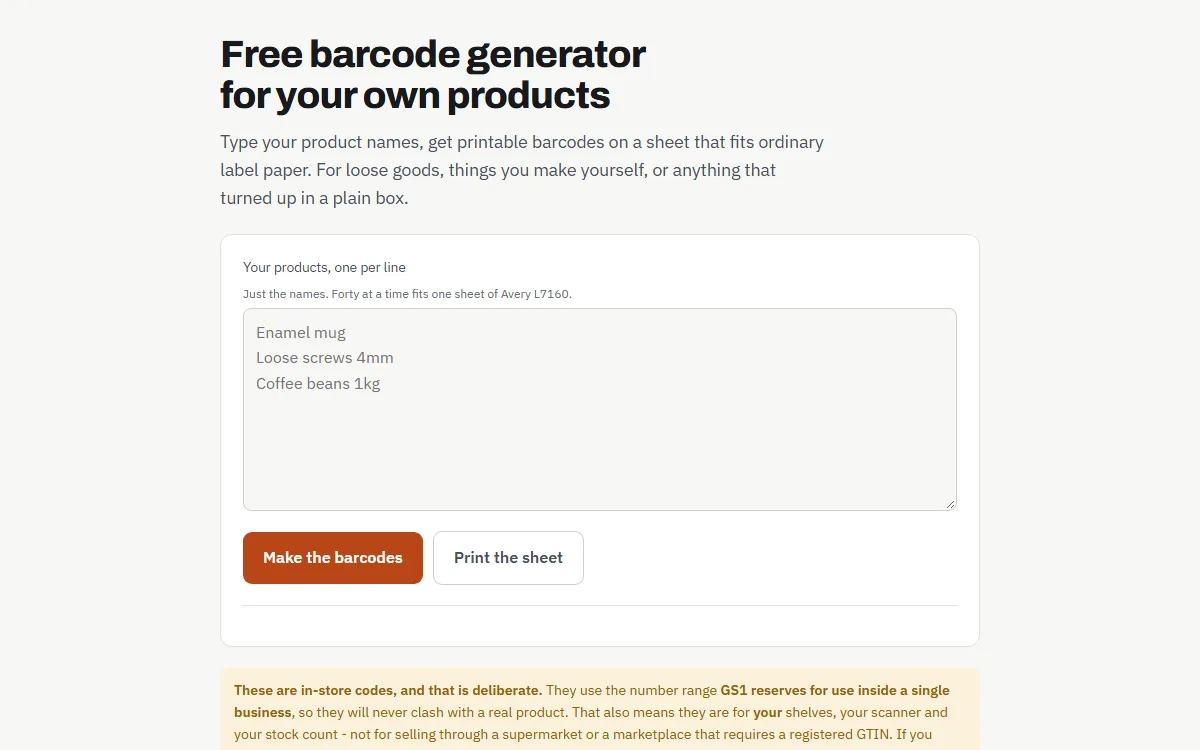
Barcode generator
Printable barcodes for your own products, on ordinary label paper.
Make barcodes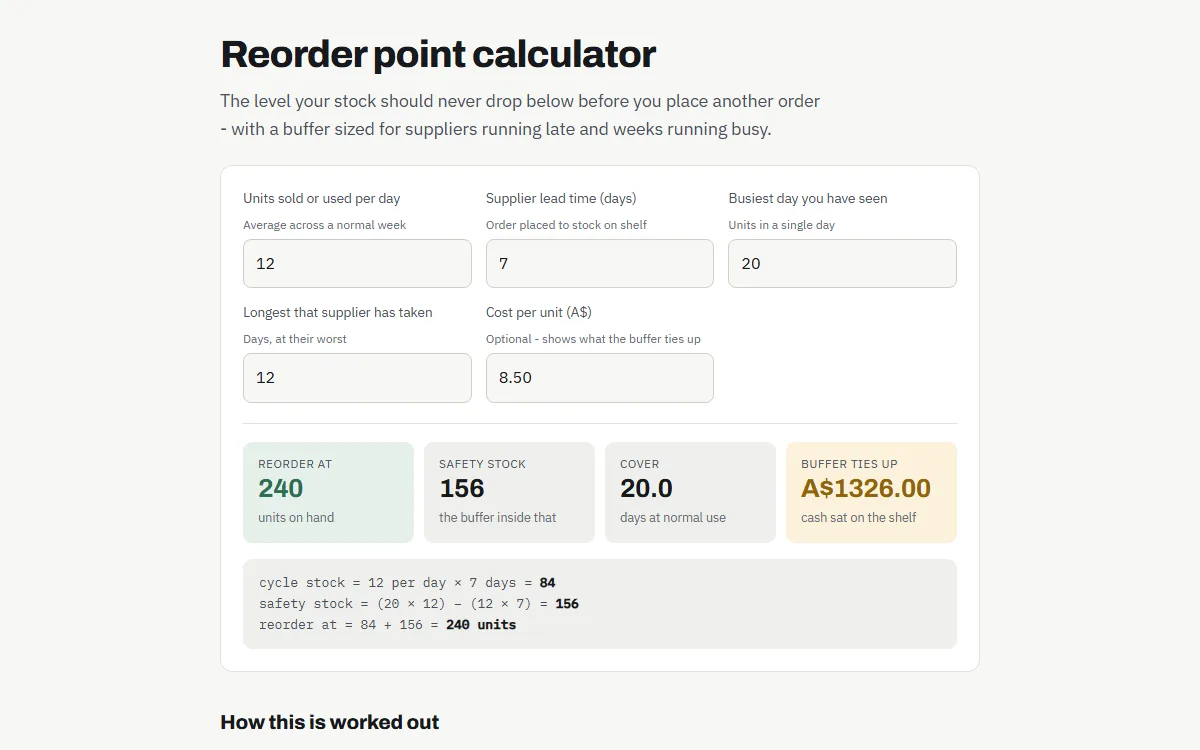
Reorder point
The level to reorder at, with a buffer for late suppliers and busy weeks.
Work it out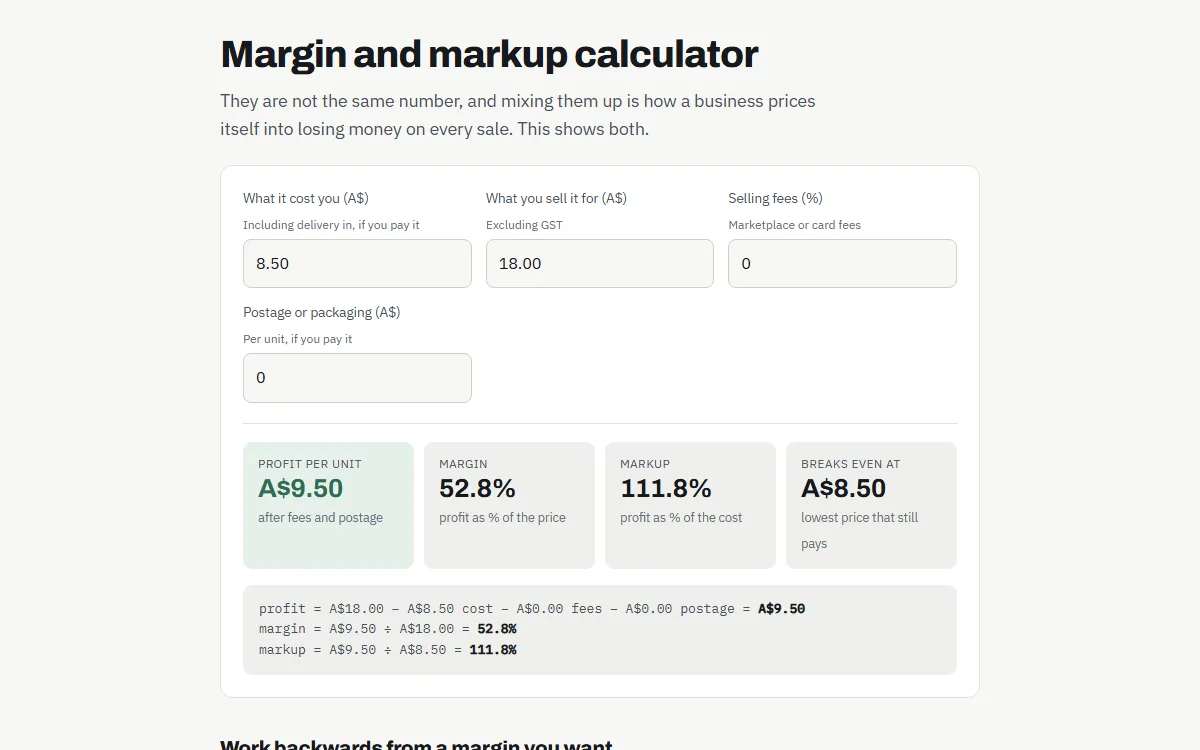
Margin and markup
What you really make on a sale, and why a 50% markup is not a 50% margin.
Work it out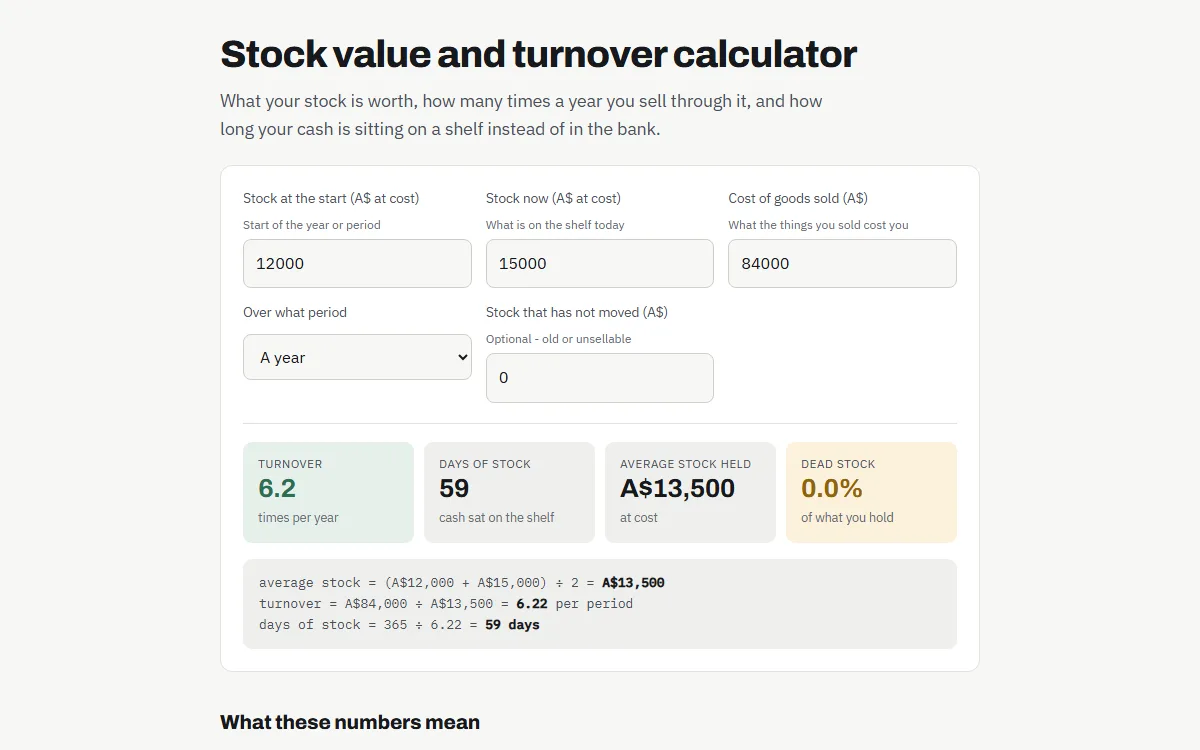
Stock value and turnover
How fast your stock turns, and how much cash is sitting on the shelves.
Work it out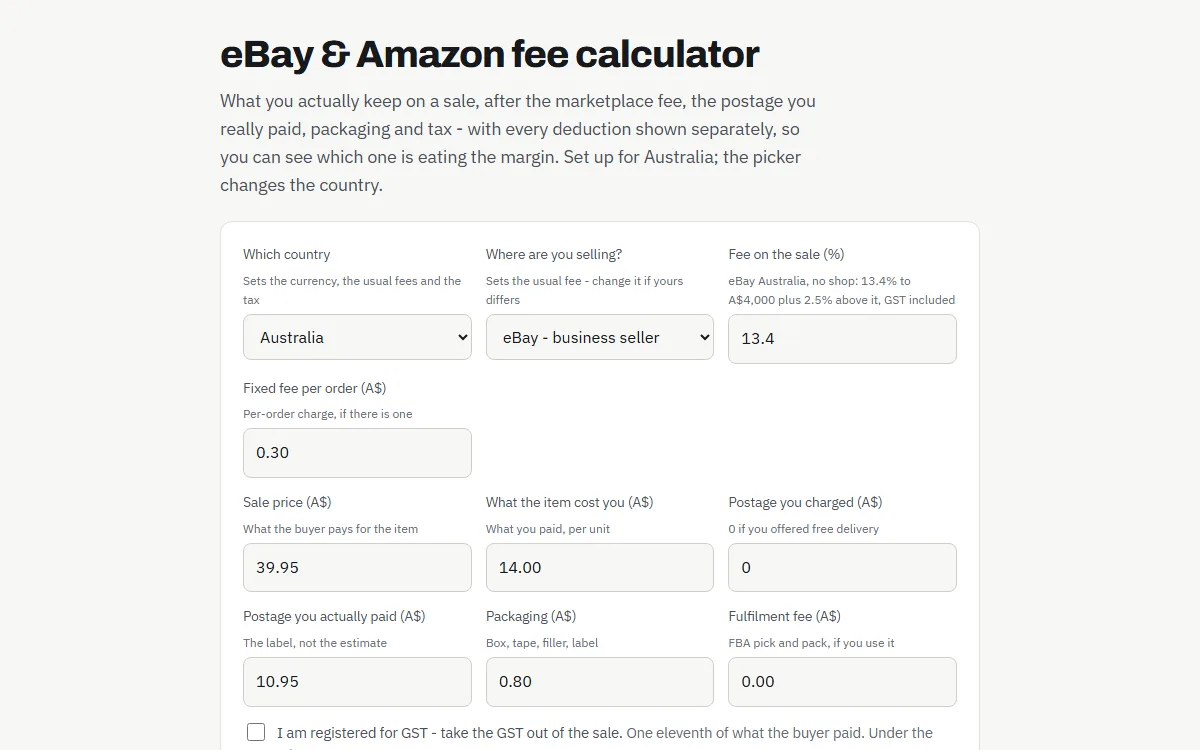
eBay and Amazon fees
What you keep on a sale after the fee, postage and GST, and the price you break even at.
Work it out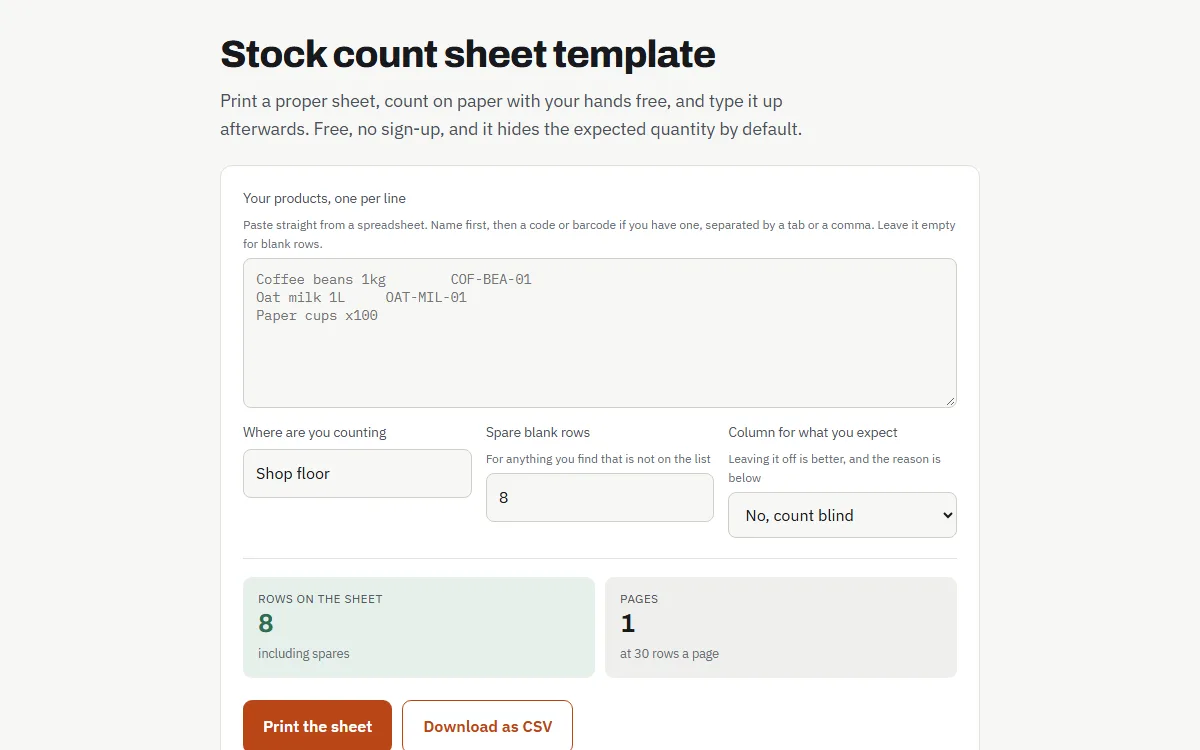
Stock count sheet
A printable sheet for counting on paper, with the expected numbers hidden.
Print a sheetPlans and pricing.
Prices in Australian dollars.
- Up to 50 products
- One location
- Barcode scanning
- Stock counts and variance
- Your whole team, no charge per person
- Full export, any time
- Up to 400 products
- One location
- Barcode scanning
- Stock counts and variance
- Low-stock list
- Your whole team, no charge per person
- Full export, any time
- Up to 2,000 products
- Five locations
- Barcode scanning
- Stock counts and variance
- Low-stock list
- Stock value and margin
- Printable count sheets
- Your whole team, no charge per person
- Full export, any time
- Unlimited products
- Unlimited locations
- Barcode scanning
- Stock counts and variance
- Low-stock list
- Stock value and margin
- Printable count sheets
- Undo anything, with a trail
- Full movement history
- Spreadsheet export
- Your whole team, no charge per person
- Full export, any time
Every plan includes your whole team: invite staff with a link, at no charge per person. Zoho Inventory charges A$12 a month for each extra user, and Sortly caps its plans at 1, 2, 5 or 8 users (Zoho read from its own pricing page on 13 October 2026; Sortly from our research in September 2026).
Choosing a paid plan starts with making your account. There is no charge today.